Screencastify alternative
A Screencastify alternative that always exports MP4
Screencastify’s free plan lets you make 10 videos and export 5 of them as MP4. ClipMe is a Chrome screen recorder for Chromebooks, Windows and Mac: Free records with no account and exports every recording as an MP4 with a free one, and Pro ($8 a month) removes the time limit and the watermark.
Free plan · No account to record or share · Chrome and ChromeOS
On a phone? ClipMe records on a computer or Chromebook, so open this page there.
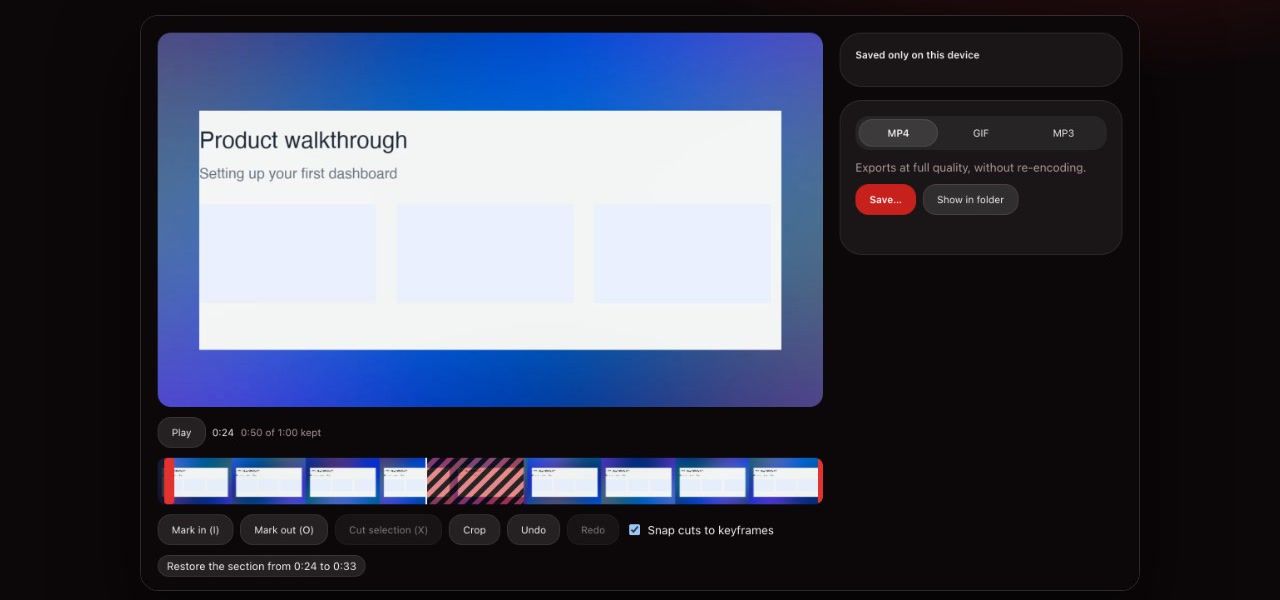
ClipMe vs Screencastify
| Feature | ClipMe Free | ClipMe Pro | Screencastify Free | Screencastify Starter | Screencastify Pro |
|---|---|---|---|---|---|
| Price | Free | $8 / mo, or $72 / year | Free | $7 / user / mo yearly, $18 monthly | $10 / user / mo yearly, $24 monthly |
| Length per video | 5 minutes | No limit | 30 minutes | 60 minutes | 180 minutes |
| MP4 exports | Every recording | Every recording | 5 videos | Limited | Unlimited |
| Watermark | Small ClipMe watermark | None, or your own logo | Castify watermark | Removed on new videos | Removed |
Checked on against: screencastify.com/pricing. Prices and limits change, so check the linked pages before you decide.
What ClipMe fixes
When we read the Chrome Web Store listing on November 9, 2026, Screencastify had 9 million users and a 3.47-star rating, and 43% of its 500 most recent reviews were one or two stars. These are the complaints ClipMe was built around.
Limits found after the lesson
ClipMe Free’s length, quality and watermark are on the pricing page up front, and a Free recording that reaches 5 minutes is saved, so a student never loses work mid-assignment.
Lost recordings
Written to disk every second, recovered after a crash or a Chromebook going to sleep.
Silent videos
Live mic meters and a warning when your mic has been silent for 10 seconds.
Files that won’t open
Every export is a seekable MP4, so it plays on the teacher’s laptop too.
When Screencastify fits better
Screencastify is built for classrooms: assignments students submit to, questions inside videos, and Google Classroom integration, with school and district licensing. ClipMe has none of that. If your school already pays for those features, keep them. If you need a reliable recorder that always gives you the MP4, start on ClipMe Free.
Frequently asked questions
What is the best free alternative to Screencastify?
If you hit Screencastify’s 10-video cap or its 5 MP4 exports, ClipMe Free is a Chrome extension that records with no account and, with a free account, exports every recording as an MP4. Free recordings are up to 5 minutes at 1080p and carry a small ClipMe watermark. Pro ($8 a month or $72 a year) removes the time limit and the watermark, records up to 1440p and adds view analytics.
Does ClipMe work on Chromebooks like Screencastify?
Yes. It is a Chrome extension and runs on ChromeOS. For school Chromebooks that block extensions, the online recorder on this site runs in a normal tab.
Is there a time limit on ClipMe recordings?
On Free, yes: 5 minutes, and a recording that reaches it is saved, not lost. ClipMe Pro has no length limit. Screencastify Free limits each video to 30 minutes, Starter to 60 and Pro to 180.
Does ClipMe have Screencastify’s classroom features?
No. Screencastify has assignments (Submit), quiz questions in videos and Google Classroom features that ClipMe does not have. ClipMe is a recorder: it records, trims and exports.
Can students use ClipMe without an account?
Yes, to record and share: recording and sending a link never ask for a sign-in. Downloading the video needs a free account (sign in with Google). ClipMe is for students aged 13 and over.
Keep reading
Record lessons without a video cap
Click the ClipMe icon, then Record. Free to record and share with no account, and a free account gets you an MP4 you can actually open. Pro removes the time limit and the watermark.